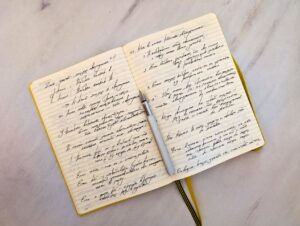




A paper notebook has no boot time, no battery indicator, and no software update waiting to interrupt a thought. That simplicity is why every digital note-taking device has been judged against it, and why most have lost. The Kindle Scribe arrived with a large e-ink screen and a pen, but for a while it felt like a reading device that tolerated handwriting rather than a tool built around it.
That is changing. Through hardware revisions and a steady run of software updates, Amazon has addressed most of the early complaints, and the Scribe now makes a more serious case for replacing the legal pad on your desk. It does not beat paper at everything, but it now competes on the things that matter to people who write by hand every day.
Why Paper Held On for So Long
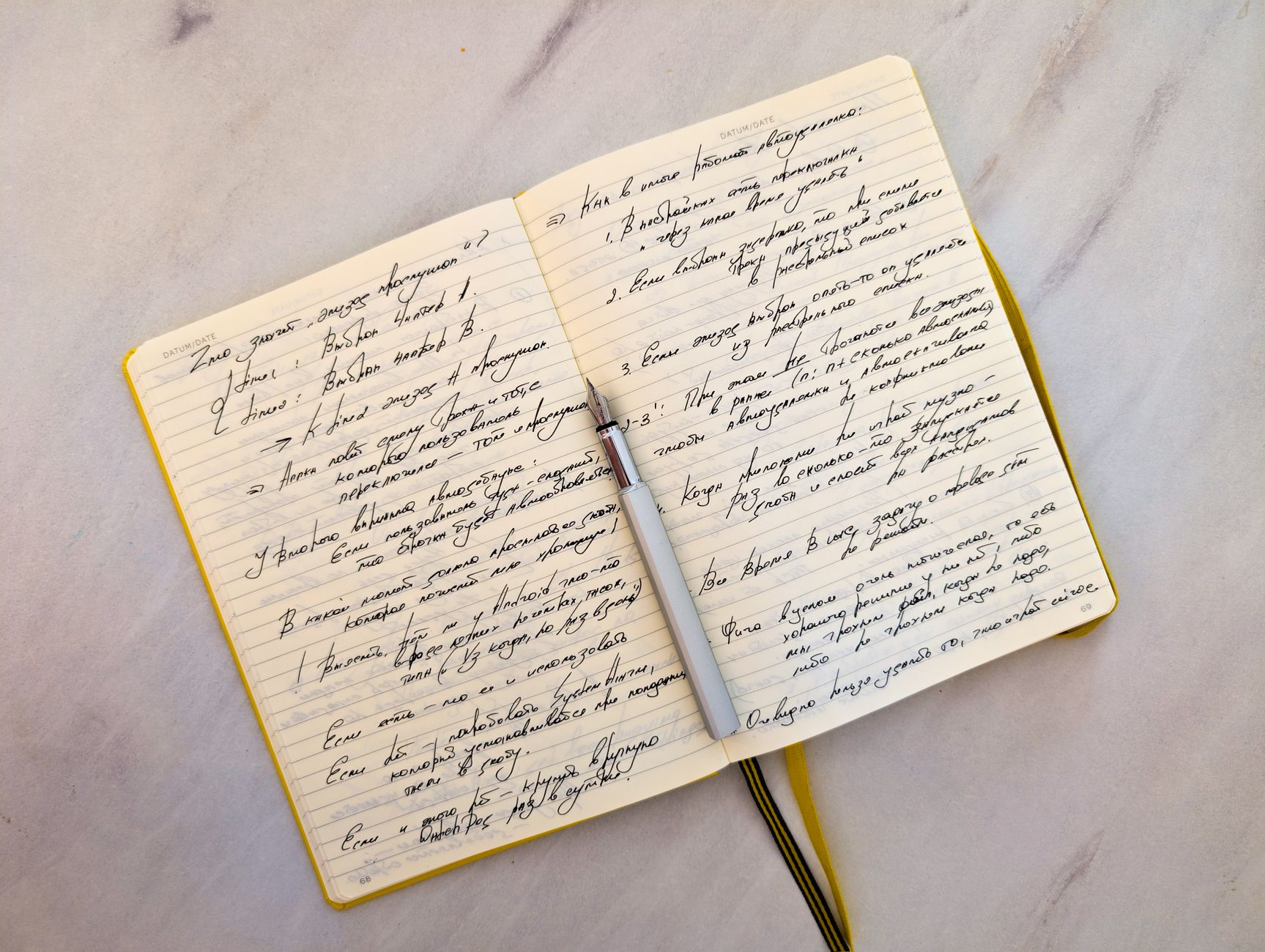
Paper wins on friction, or rather the absence of it. You open the cover and write. A tablet asks you to wake the screen, find an app, pick a notebook, and choose a pen tool before the first word lands. Anyone who has tried to capture a quick idea in a meeting knows that those few seconds are enough to lose the thread of what someone just said.
Early e-ink note-taking devices also struggled with the physical sensation of writing. Glass-topped tablets feel slick under a stylus, and the lag between pen and ink made handwriting feel like tracing rather than writing. Many people tried a digital notebook, felt the disconnect, and went back to a spiral-bound pad. The original Scribe was better than most on feel, but its software kept it from being a full replacement.
What Amazon Actually Fixed
The first thing the Scribe got right was the writing surface. The 10.2-inch display on the original model has a slightly textured finish, which gives the pen some grip and a feel closer to graphite on paper than to a fingertip on a phone. The pen attaches magnetically to the side of the device and needs no charging, which removes one of the quiet annoyances of tablet styluses. A pen that is never dead is a small feature that changes how often you reach for the device.
The software has taken longer, but it is where the biggest gains have come. Early users complained that writing inside a book was limited to sticky notes, and that notebooks offered a thin set of templates and little organization. Amazon has since added better notebook management, more page templates, and ways to write on documents sent through its Send to Kindle service. That last one matters for anyone who marks up PDFs, because it turns the Scribe into a place to annotate real work rather than just a place to jot lists.
Newer features lean into what a digital notebook can do that paper cannot. Handwriting can be searched, pages can be exported, and Amazon has been adding AI-assisted tools that summarize or tidy up notes. Whether you want those tools is a personal call, and some people will ignore them entirely. But a legal pad cannot be searched for the word “budget” three months later, and for anyone with dozens of notebooks, that is a real advantage.
The front light deserves a mention too. Reading and writing in a dim room, on a plane, or beside a sleeping partner is awkward with paper, which needs a lamp. An e-ink screen with an adjustable light lets you keep working without drawing attention, and it does so without the eye strain of a bright tablet display.
The Advantage Rivals Cannot Copy
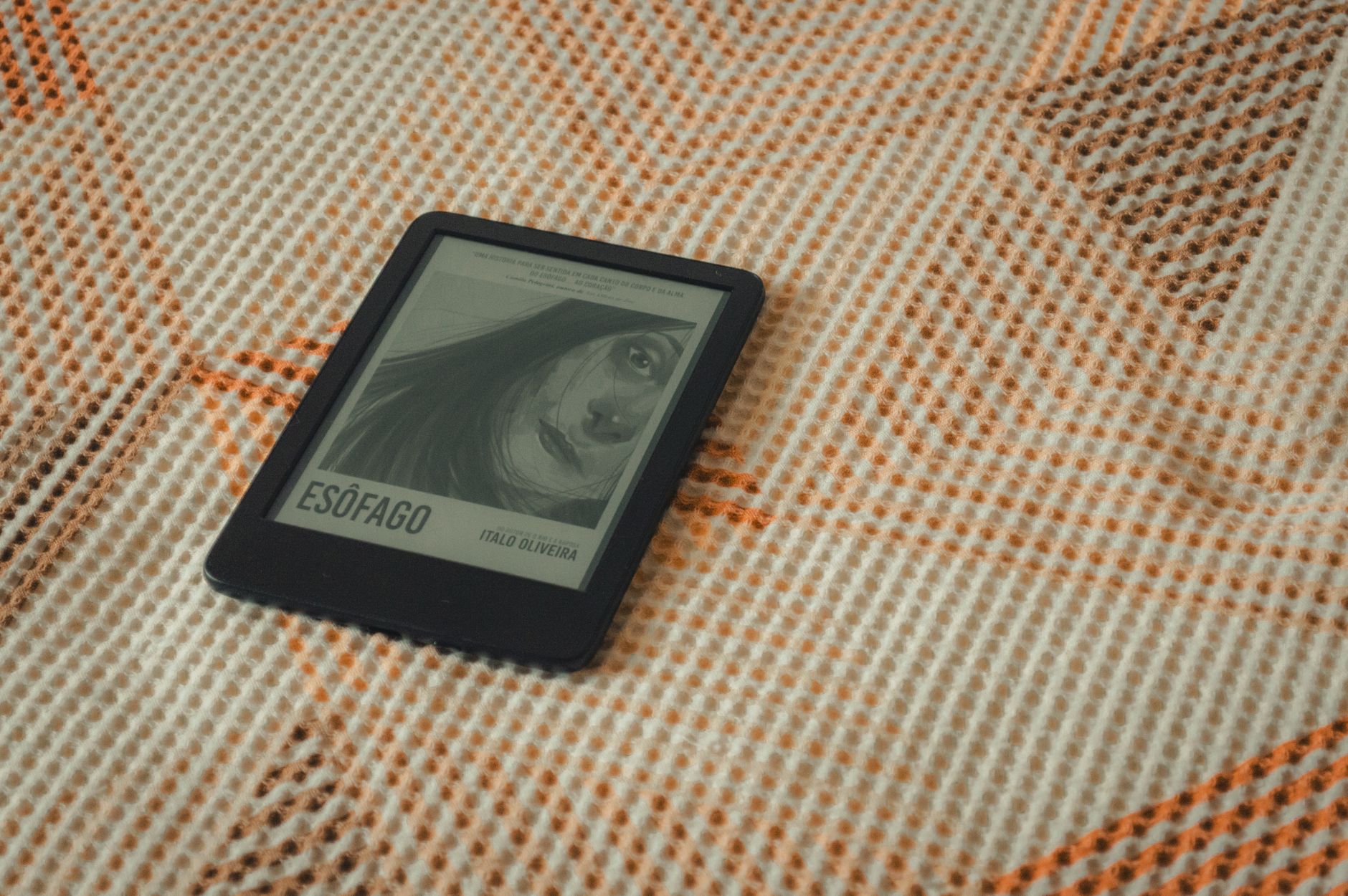
Dedicated e-ink notebooks from other makers have focused tightly on writing, and several of them do it very well. What they lack is a bookstore. Amazon has a vast library of titles, an established habit of buying them, and a reading experience that millions of people already trust. The Scribe benefits from that ecosystem in a way a standalone note-taking tablet never can.
That matters because reading and note-taking are linked activities. Students, researchers, and anyone who annotates what they read want to move between the two without switching devices. A single screen that holds your novels, your documents, and your handwritten notebooks removes the need to carry a book and a pad, and that convenience is a strong argument for the Scribe over a pure writing slate.
Where Paper Still Wins
Cost is the first obstacle. A decent notebook and a pen cost very little, while the Scribe is a premium gadget priced well above a standard Kindle. You have to write enough on it, and read enough on it, to justify the gap. For someone who fills a notebook every month, the math starts to work. For someone who writes occasionally, it does not.
Sketching and freeform thinking are the second. Paper has no page boundaries to fuss over, no zoom, and no tool selection. You can tear a page out, tape it to a wall, or fold it into a pocket. A screen, even a good one, imposes a frame, and some kinds of messy, spatial thinking still feel more natural on a physical sheet. Color is another gap, since paper handles a highlighter and a blue pen without any settings menu, while e-ink has only recently begun to explore color at all.
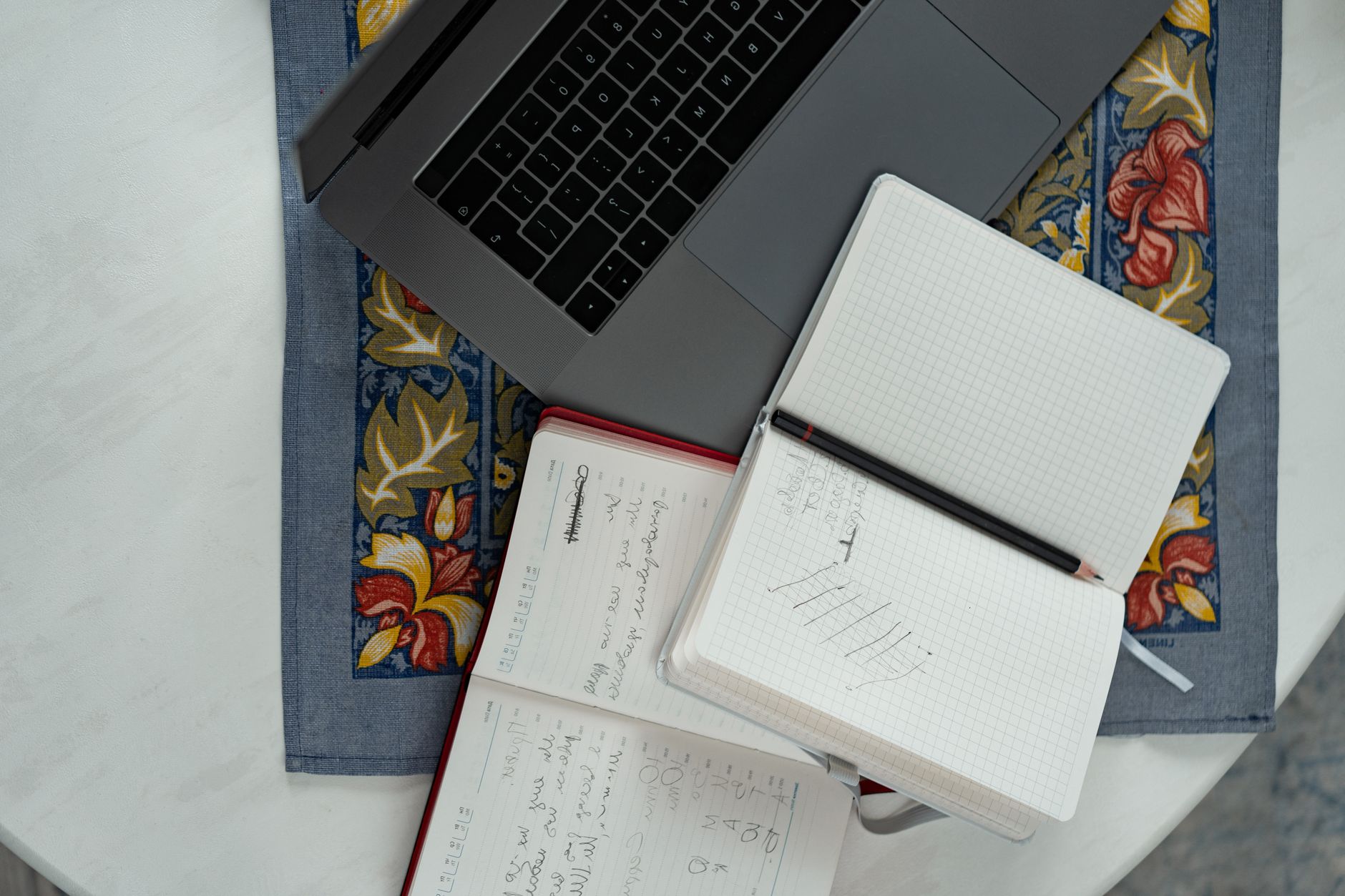
The last issue is permanence. A notebook sits on a shelf for twenty years and opens without a password, an account, or a compatible app. A Scribe notebook lives inside Amazon’s ecosystem, and while export options exist, you are trusting a company’s software to keep your handwriting readable for as long as you want it. A paper page has no export problem, because the page is the file.
Frequently Asked Questions
Does the Kindle Scribe feel like writing on paper?
The textured e-ink display gives the pen more grip than a glass tablet, so it feels closer to paper. It is not identical, but it is much nearer than most stylus-and-screen setups.
Does the Kindle Scribe pen need to be charged?
No. The pen attaches magnetically to the side of the device and does not need a battery or charging.
Can you write on PDFs and documents with the Kindle Scribe?
Yes. Documents sent through Send to Kindle can be marked up with the pen, which makes the Scribe useful for annotating work files as well as taking notes.
Is the Kindle Scribe worth it over a regular notebook?
It makes sense if you write and read daily and want searchable, exportable notes in one device. Occasional note-takers will likely find a paper notebook cheaper and simpler.